
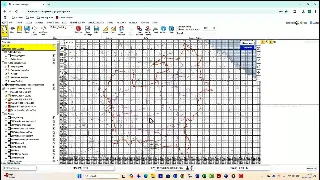
Corporate GIS / Earthlight
Earthlight: Adding Grid Layers
A product demonstration for adding and using grid layers in Earthlight workflows.
Selected product walkthroughs and technical demonstrations for teams evaluating StatMap GIS, gazetteer, case-management, public portal, TRO and spatial data services.
A product demonstration for adding and using grid layers in Earthlight workflows.
A workflow demonstration for finding nearest features from a map context.
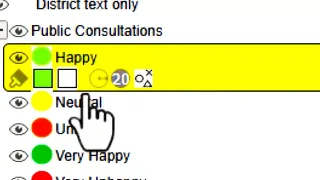
A short Earthlight walkthrough covering dynamic legend behaviour in browser-based mapping.
A product demonstration for adding and using grid layers in Earthlight workflows.
A technical demonstration of temporary layer workflows in Earthlight.
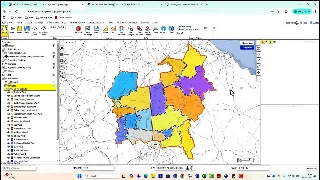
A product walkthrough for styling mapped data with gradient-to-fill tools.
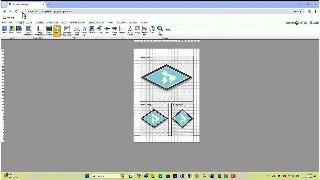
A map-production walkthrough covering inset map behaviour in Earthlight.
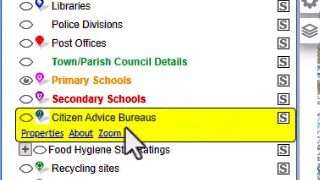
A short demonstration of revision date handling in Earthlight.
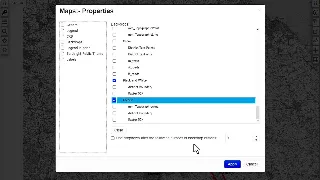
A feature walkthrough for backdrop and layer-context behaviour.
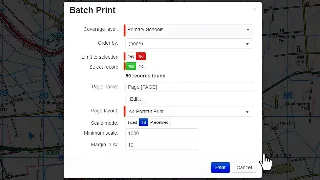
A technical demonstration of batch printing workflows.
A short walkthrough of tooltip behaviour for map users.
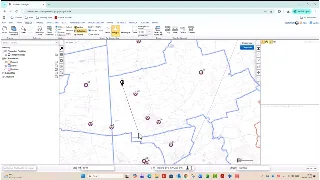
A spatial reporting walkthrough covering how Earthlight uses DocX templates for configured Word report outputs.
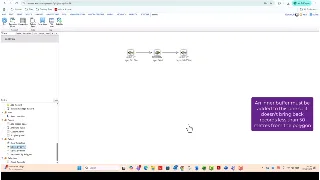
A report-generation demonstration showing how Earthlight selects records by layer for DocX output.
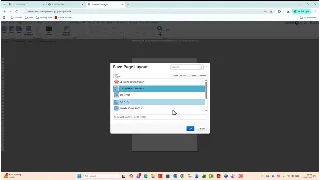
A DocX reporting walkthrough showing multiple Earthlight map layers in a generated Word report.
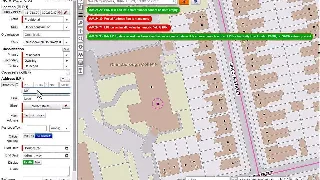
A gazetteer workflow demonstration covering record addition through Shield.
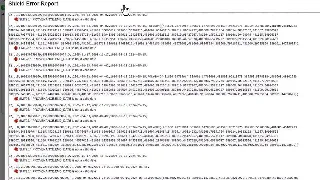
A gazetteer data-quality walkthrough for checking and accepting batch updates.
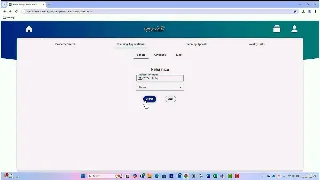
A public portal walkthrough for finding and reviewing planning applications.
A public-facing demonstration for planning appeal information.
A portal walkthrough for property-led public search.
A short demonstration of weekly list access for recently registered applications.
A walkthrough of account creation in the public portal.
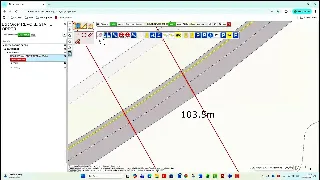
A practical eVO TRO demonstration covering how live orders can be split, cloned and revoked.
A map-led eVO Flows demonstration using swipe-map comparison behaviour.
A workflow demonstration for finding nearest features from a map context.
A short demonstration of instant record creation through an eVO Flow.
A technical walkthrough of drill-down behaviour in a configured flow.
A workflow demonstration for sending email from an eVO Flow.
A short walkthrough of redirect behaviour in eVO Flows.
Talk to StatMap if you would like to see a workflow against your service area, data and implementation questions.